
How to Resync Your Mollie Transactions
To resync your transactions, follow these steps:
- Go to the Mollie–Xero dashboard.
- Click “Sync Now.”
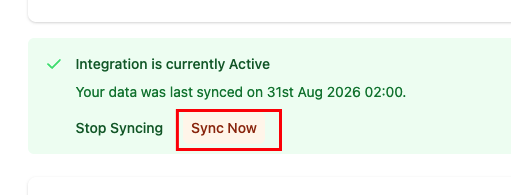
A form will appear where you can select the date range for the sync.
- Select the relevant Mollie balance.
- Enter the start and end dates you want to sync.
- Click “Sync.”
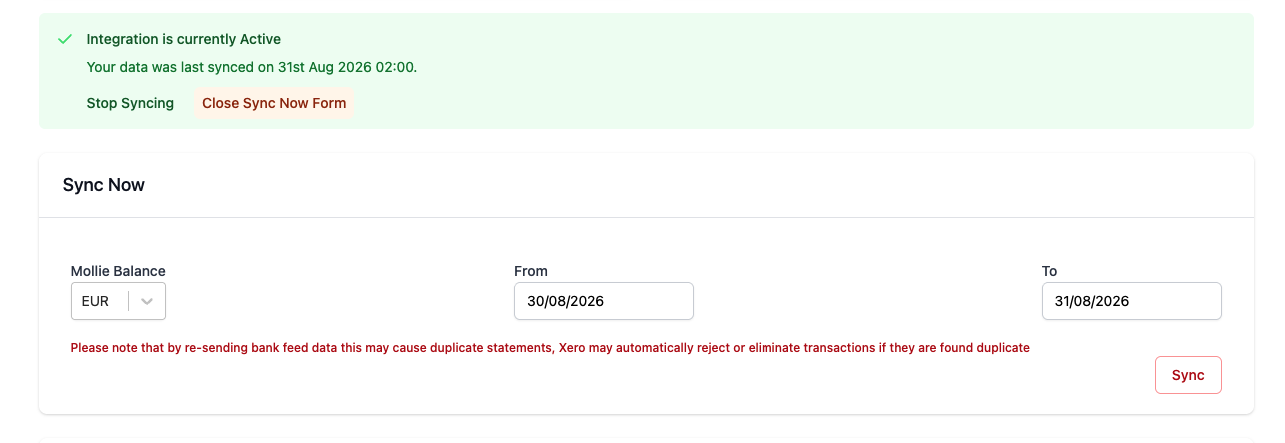
Note: You can sync a maximum period of 7 days at a time. If you need to sync a longer period, repeat the process for each additional 7-day period.